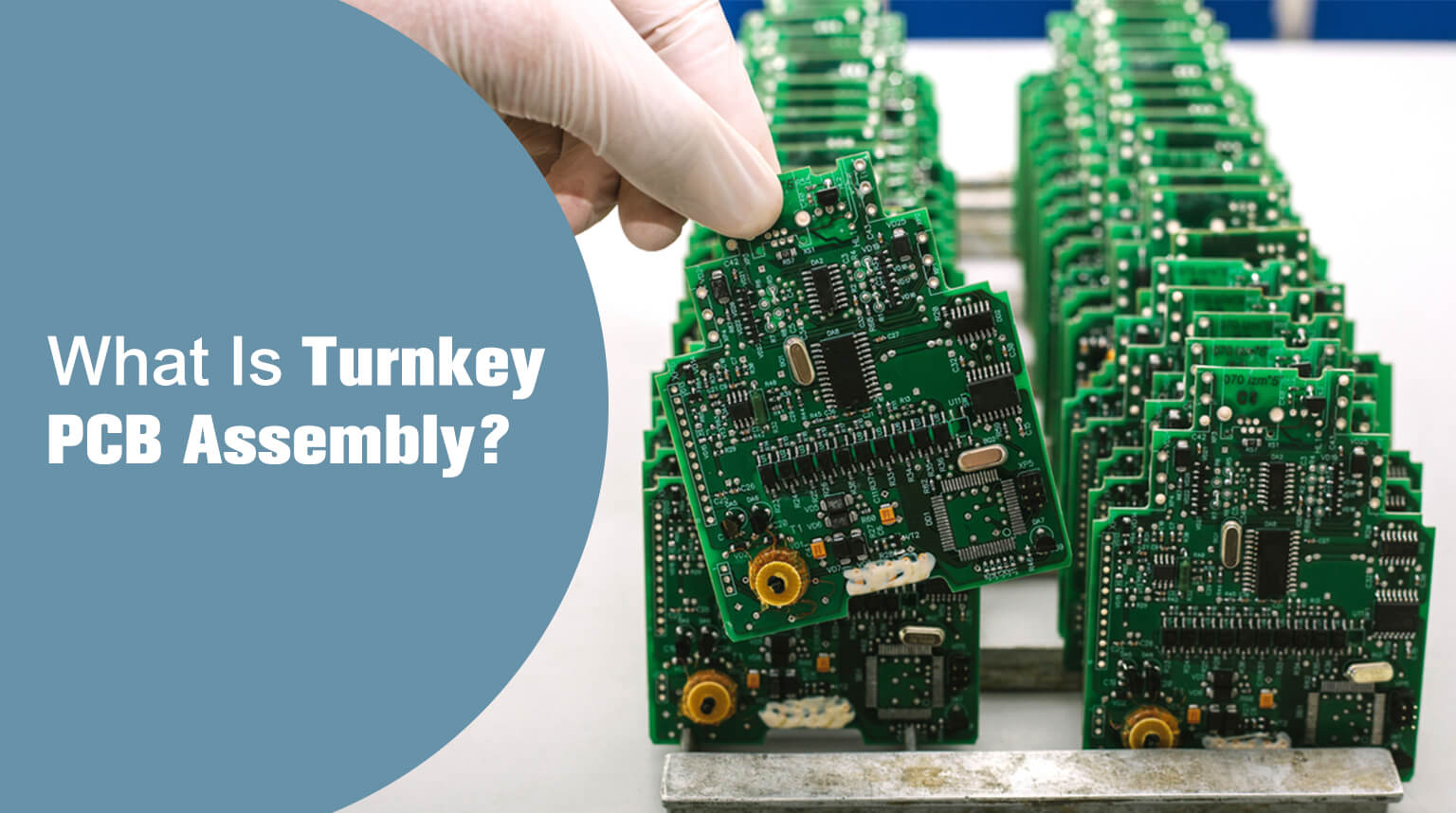
In 2024, I reviewed 112 failed PCBA batches across Nairobi, Shenzhen, and Budapest. In 79 cases, the PCB itself was perfect – but the board returned with wrong ICs, missing passives, or flipped diodes. The root cause? Not the pick-and-place machine, nor the operator.
The BOM file – misinterpreted, incomplete, or ambiguously formatted – had already doomed the run before the first reel even touched the feeder.
A BOM isn’t just a parts list. It’s a machine-readable contract between designer, procurement, and the assembly line. One missing MPN, one ambiguous “10K” entry, one unapproved alternate – and your 500-unit run becomes a $12,000 lesson in supply chain fragility.
This guide reveals what actually happens in the SMT line’s MES (Manufacturing Execution System) – and how to build BOMs that survive real-world EMS workflows.
Schematic tools can generate BOMs – but most default exports omit critical information:
- Approved alternates (critical for long-lead ICs)
- Tolerance & tempco for passives (1% vs. 5% affects yield)
- Package orientation (e.g., “Pin 1 at top-left” for QFNs)
Real Failure:
A solar inverter used “10 µF” capacitors. BOM said:
| RefDes | Value | Footprint |
|---|
| C12 | 10 µF | 0805 |
EMS pulled 10 µF/6.3V/X5R – rated for 85°C. Field units failed at 58°C ambient.
Correct Spec:
10 µF/25V/X7R/±10%/125°C
Pro Fix:
Enforce a 9-column BOM schema – minimum for EMS:
| Column | Required? | Example | Why It Matters |
|---|
| RefDes | Yes | R1, R2, C7 | Machine placement mapping |
| MPN (Manufacturer Part #) | ✅ Critical | RC0805FR-0710KL | Eliminates “10K” ambiguity |
| MFG (Manufacturer) | Yes | Yageo, TI, Murata | Avoids counterfeit risk |
| Description | Yes | “RES 10K 1% 0805 1/8W” | Human-readable backup |
| Footprint | Yes | 0805, SOIC-8, QFN-32 | Feeder setup & vision library |
| Tolerance | Yes (passives) | ±1%, ±5% | Functional performance |
| Voltage/Temperature | Yes (caps, diodes) | 25V, X7R, 125°C | Reliability in field |
| Approved Alternates | ✅ Critical | MCR0125J103, CRGCQ0805F10K | Prevents line stoppage |
| Notes | Optional | “Tape/reel only”, “No lead-free” | Process constraints |
In Altium/KiCad, setting DNP hides parts from the BOM – but not all tools handle this consistently:
- Eagle: DNP parts still export unless manually filtered
- OrCAD: DNP = Populate = No → but CSV export may omit the column
Real log excerpt (EMS SMT line, 2025-03-12):
Pro Fix:
Explicitly filter DNP in export
- KiCad: File → Fabrication Outputs → BOM → [x] “Exclude DNP components”
- Altium: Reports → Bill of Materials → [x] “Include only populated parts”
- CSV Post-Process:
Alternates aren’t optional extras – they’re risk mitigation. But EMS systems treat them differently:
- Tier-1 EMS (Flex, Jabil): accepts ALT1 and ALT2 columns
- Mid-tier EMS (JLCPCB, PCBWay): requires a separate BOM for alternates
- Local EMS: may ignore alternates entirely → order only the primary MPN
Real Case:
A 2024 IoT sensor used ESP32-WROOM-32U (MPN: ESP32-WROOM-32U). Primary MPN was out of stock. Alternates were:
| ALT | Part | Notes |
|---|
| ALT1 | ESP32-WROOM-32 | ⚠️ Pin-compatible, but no PCB antenna – RF failure risk |
| ALT2 | ESP32-WROVER-E | ✅ Pin-compatible, +8MB PSRAM |
Problem:
EMS picked ALT1 by default – but because it lacked a PCB antenna, the sensor experienced 100% RF failure in the field.
Pro Fix:
Encode compatibility rules in your BOM so EMS can see warnings before assembly. Example CSV structure:
Explanation:
- ALT1_Compat column clearly tells EMS which alternates are safe and which are not
- EMS sees the warning (⚠️) → operator escalates or performs testing
- Ensures risk mitigation and avoids assembly line failures
| Format | Pros | Cons | Best For |
|---|
| Excel (.xlsx) | Human-friendly; rich formatting | Parsing fails on special characters (e.g., µ, Ω), and hidden rows can break scripts | Internal review, client handoff |
| CSV (UTF-8) | Machine-readable; version-control friendly | No units (e.g., 10K vs. 10000) and potential encoding issues (Windows-1252 vs. UTF-8) | EMS upload, CI/CD pipelines |
| IPC-2581 Embedded BOM | Linked to Gerber/netlist; full metadata | Only 41% of EMS support it (2025 IPC data); huge file size | Tier-1 aerospace/medical |
Pro Insight:
Always submit BOM in two formats:
- Project_BOM.xlsx – for human review (use color-coding, notes, avoid merged cells)
- Project_BOM.csv – for EMS upload (UTF-8, no formulas, no merged cells)
CSV Validation Script (Run Before Upload):
| Error | EMS Impact | Real Log Excerpt |
|---|
| “10K” instead of MPN | System picks cheapest 10K – often 5%, 1/4 W, 70 °C | [WARN] C12: 10K (no MPN) → RC0805JR-0710KL (5%, 70 °C) |
| Missing footprint column | Vision system can’t locate part → placement offset | [ERROR] U3 (SOIC-8): Footprint not in library – skipped |
| Alternate without compatibility note | Wrong alt used → functional failure | [INFO] U1: ESP32-WROOM-32 substituted (no RF test) |
| Units in value field | Parser drops “µ” → 10µF = 10F (unitless) | [ALERT] C5: Value=10µF → parsed as 10 (unitless) |
| Unapproved “generic” parts | EMS substitutes – no accountability | [ACTION] R1–R10: “RES 1K” → Yageo RC0603JR-071KL |
Pro Tip:
Require EMS to send a BOM Cross-Check Report before assembly – it shows exactly what they ordered vs. what you specified, helping catch silent errors early.
IPC-2581 embeds the BOM as XML inside the main file:
Advantages:
- Full traceability: MPN → net → footprint
- Enables automated DFM vs. BOM checks (e.g., “Is this 0201 too close to a via?”)
Risks:
- File size increases by ~300%
- EMS may extract the BOM incorrectly (e.g., may drop alternates)
- No Excel review possible without a CAM tool
Use IPC-2581 BOM if:
- Your EMS supports Valor NPI or CAM350 v18+
- You run automated DFM in CI/CD
- Design IP security is not critical
- Format: .xlsx for review + .csv for EMS – both in UTF-8
- Columns: 9 mandatory fields – RefDes, MPN, MFG, Description, Footprint, Tolerance, Voltage/Temperature, Alternates, Notes
- DNP: Explicitly filtered; no hidden rows or columns
- Units: Avoid symbols in CSV; use uF, kOhm, degC
- Alternates: Documented with ✅ / ⚠️ / ❌ to indicate compatibility
- Validation: Run bom_validate.sh script and perform a manual spot-check
- Pre-Assembly: Require EMS to provide a BOM Cross-Check Report before assembly
A BOM is not just documentation. It’s executable intent – parsed by scripts, loaded into feeders, and trusted by operators who’ve never seen your schematic. The most resilient designs treat the BOM not as an output, but as a critical interface – rigorously specified, defensively formatted, and relentlessly validated.
In assembly, there’s no Ctrl+Z – only rework, scrap, and the quiet hum of a line that should have run smoothly.
💡 Partnering with a trusted EMS like PCBCool ensures your BOM is handled with precision and accountability. From PCB fabrication to full assembly, our team rigorously reviews, validates, and executes your BOM to minimize errors and maximize first-pass yield.