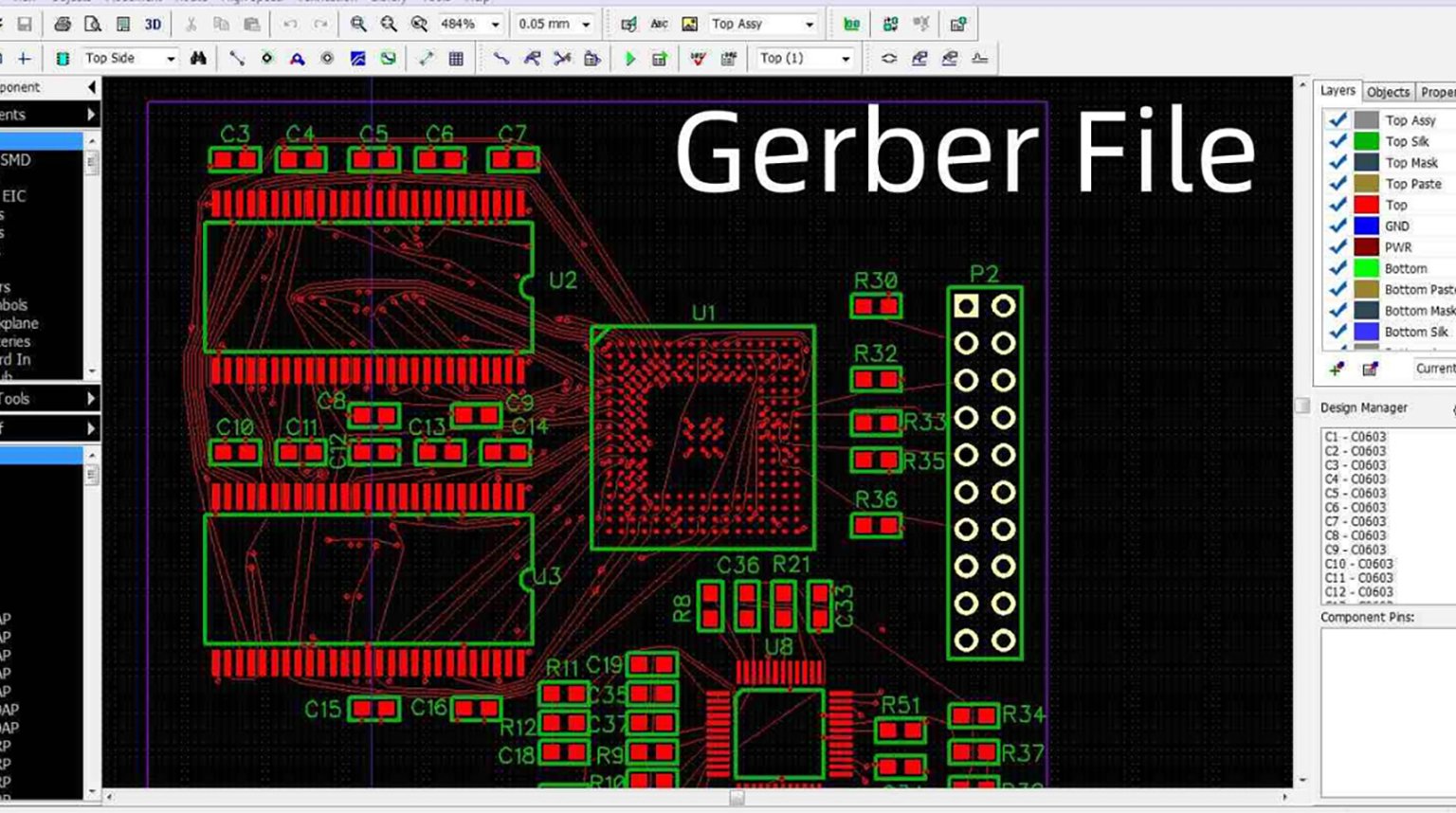
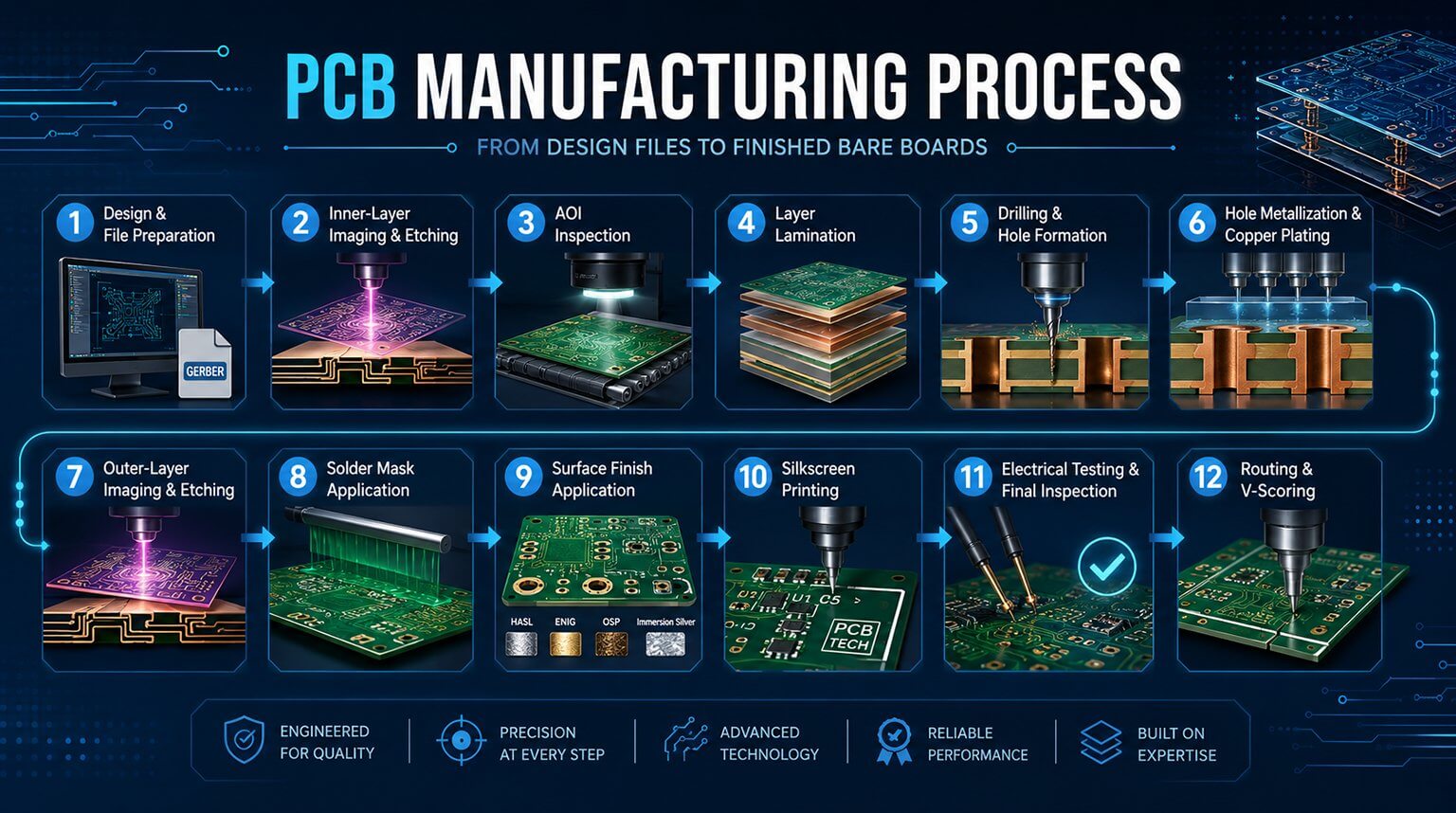
Gerber files serve as the standard format for exchanging PCB design data between CAD software and fabrication houses worldwide. This standardization ensures that designs created in one CAD tool can be accurately interpreted and manufactured by different facilities.
In this workflow, Gerber viewers play a critical role. These specialized tools allow engineers and manufacturers to inspect and verify files before production, reducing the risk of costly errors.
Key capabilities of viewers include:
- Visualizing each PCB layer individually or as a stacked assembly
- Checking alignment between layers
- Confirming drill hole placement and sizing
- Measuring trace widths and clearances
- Detecting missing elements or formatting issues
While there are many options, they each have different focuses, so designers need to choose the most suitable viewer tool based on the specific needs of their project.
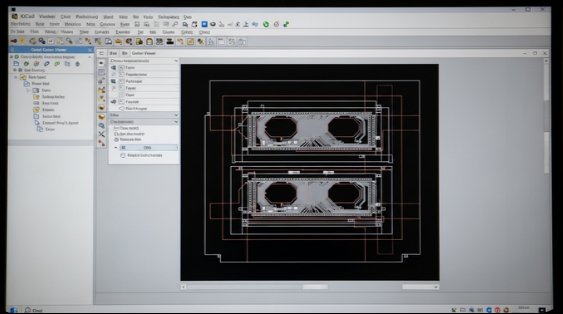
KiCad is a free, open-source design suite that includes a built-in Gerber viewer. It allows users to visualize Gerber files generated within KiCad and supports multi-layer PCB designs. Basic operations such as zooming, panning, and rotating layouts are fully supported.
Vorteile
- Free and open-source
- Seamless integration with the KiCad design suite
- Supports multi-layer visualization and basic layer checks
Nachteile
- Lacks advanced 3D rendering capabilities
- Limited automated manufacturing validation and file comparison features
Recommended Use Cases:
Ideal for users already working with KiCad or those seeking a free solution for basic Gerber viewing and verification tasks.
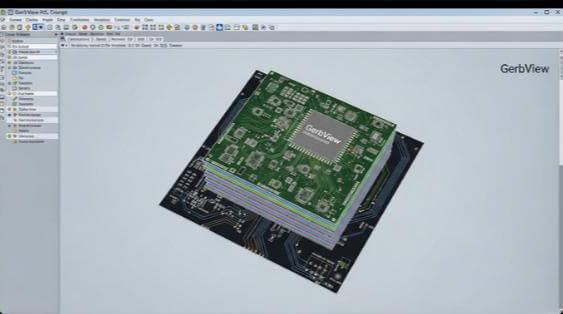
GerbView, developed by ConTech, is a professional Gerber viewer designed for engineers and designers who need a versatile, feature-rich tool. It supports multiple file formats, advanced visualization, and printing capabilities.
Vorteile
- Supports multiple formats, including Gerber and Excellon
- Includes 3D visualization for better layer and component inspection
- Allows printing and exporting Gerber files to PDF
- Provides layer alignment checks and basic DRC for validation
Nachteile
- Paid software with a relatively high price point
- Can be more complex than necessary for users needing only basic Gerber viewing
Recommended Use Cases:
Ideal for professionals seeking a comprehensive Gerber viewer with 3D capabilities, multi-format support, and advanced validation features.
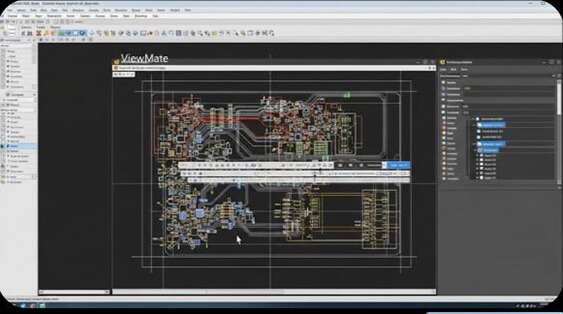
ViewMate, originally developed by Pentalogix and now part of Siemens EDA, is a well-established Gerber viewer. It is particularly valued for its strong layer manipulation, annotation, and documentation capabilities, making it a reliable tool for design review workflows.
Vorteile
- Excellent layer manipulation tools, including precise zooming, rotating, and mirroring
- Supports a wide range of PCB manufacturing file formats
- Strong annotation and markup features, ideal for design reviews and documentation
Nachteile
- User interface may feel outdated compared to newer Gerber viewers
- Limited 3D visualization and advanced manufacturing validation features
Recommended Use Cases:
Ideal for engineers who need to perform detailed Gerber file reviews, add annotations for internal or customer communication, or generate clear documentation during design verification and collaboration stages.
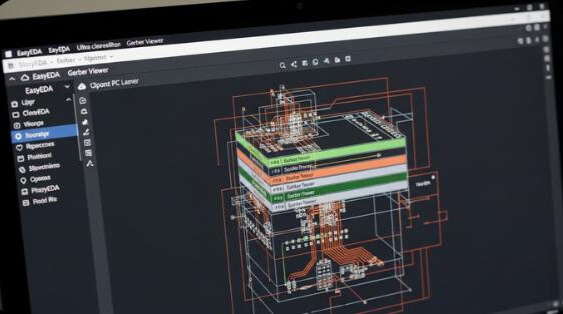
EasyEDA is a cloud-based design and simulation tool that also offers a Gerber viewer. Its cloud-based architecture allows users to view Gerber files and make design changes based on the original PCB data without installing heavy desktop software.
Vorteile
- Cloud-based, no software installation required
- Easy to use and accessible from anywhere
- Well suited for collaborative design work
Nachteile
- Limited advanced visualization and manufacturing-level validation compared to desktop tools
Recommended Use Cases:
Best for remote teams or users looking for an online, easy-to-use solution for viewing Gerber files.
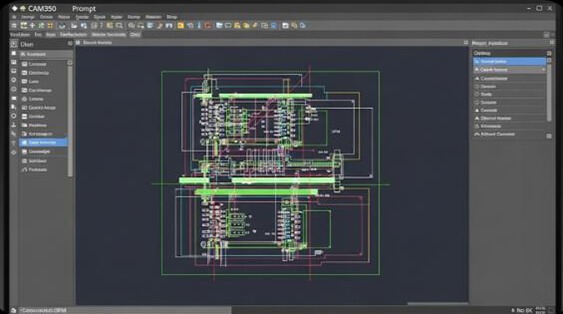
CAM350, developed by DownStream Technologies, is a manufacturing-focused CAM tool designed for advanced PCB verification and data preparation. It is widely used for pre-fabrication analysis and includes powerful error-checking features such as Design for Manufacturability (DFM) validation, along with robust annotation capabilities.
Vorteile
- Advanced error-checking and comprehensive DFM analysis
- Detailed visualization for manufacturing-level PCB inspection
- Strong annotation and markup features for design-to-fab communication
Nachteile
- High-cost solution, primarily targeted at professional users and manufacturers
Recommended Use Cases:
Best suited for high-end PCB manufacturers or engineering teams that require in-depth DFM checks and rigorous verification before fabrication.
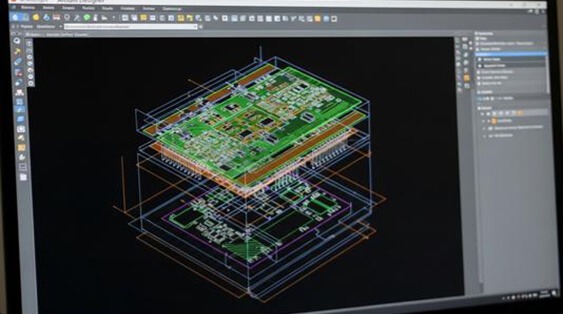
Altium Designer is a widely used professional PCB design suite that includes a powerful Gerber viewing capability within its CAM environment. It provides native support for Altium design data and offers advanced 3D visualization, making it an excellent choice for engineers working within the Altium ecosystem.
Vorteile
- Seamless integration with Altium Designer design data and workflows
- Advanced 3D modeling and visualization for PCB and component inspection
- Comprehensive design rule checks (DRC) performed at the design level before Gerber generation
Nachteile
- Expensive solution, primarily targeted at professional users
Recommended Use Cases:
Best suited for users already working within the Altium environment or teams that require advanced 3D visualization and robust design-level rule checking alongside Gerber review.
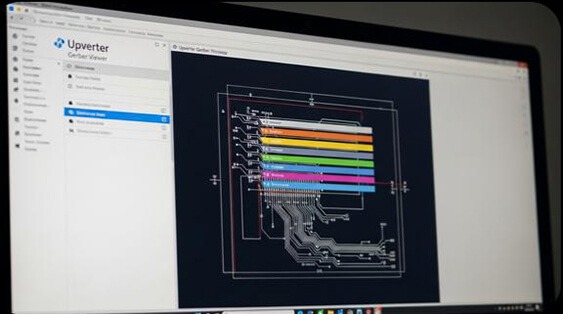
Upverter is a cloud-based platform focused on real-time collaboration for distributed engineering teams. Its integrated Gerber viewer allows users to review, share, and discuss PCB manufacturing files directly within the design environment, making remote collaboration straightforward.
Vorteile
- Cloud-based platform with strong collaboration features
- Easy file sharing and team-based design reviews
- Integrated within an all-in-one PCB design environment
Nachteile
Limited advanced error-checking and manufacturing-level validation compared to specialized CAM tools
Recommended Use Cases:
Ideal for teams seeking a collaboration-first PCB design platform with built-in Gerber viewing rather than deep manufacturing analysis.
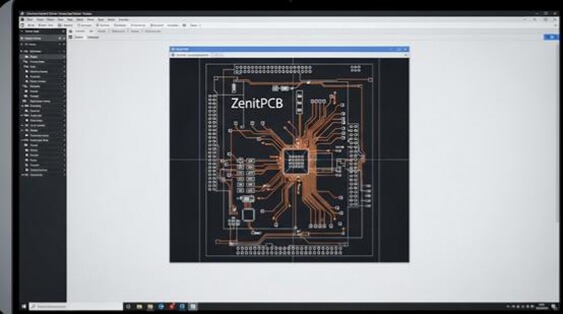
ZenitPCB is a lightweight Gerber viewer known for its simplicity and reliability, particularly among small teams and hobbyists. It focuses on fast file loading and smooth interaction, making it well suited for quickly reviewing Gerber data, even for relatively large boards.
Vorteile
- Simple and user-friendly interface
- Efficient handling of large Gerber files
- Lightweight and fast performance
Nachteile
- Lacks advanced features such as DFM analysis or 3D visualization
Recommended Use Cases:
Ideal for small teams, hobbyists, or engineers who need a straightforward, no-frills Gerber viewer for quick inspection tasks.
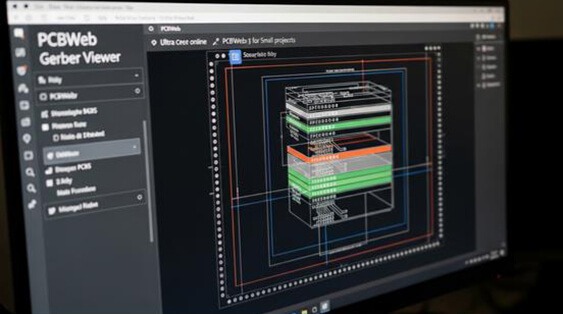
PCBWeb is an online PCB design and Gerber viewing platform, integrated with its web-based CAD tool. It is ideal for beginners or engineers working on small projects who need a lightweight viewer for reviewing Gerber files and basic project documentation.
Vorteile
- Cloud-based, no software installation required
- Integrated with PCBWeb’s CAD environment
- Well suited for beginners and small projects
Nachteile
- Limited functionality for advanced users
Recommended Use Cases:
Best for beginners or small project teams needing a simple online solution for Gerber file viewing and basic documentation.
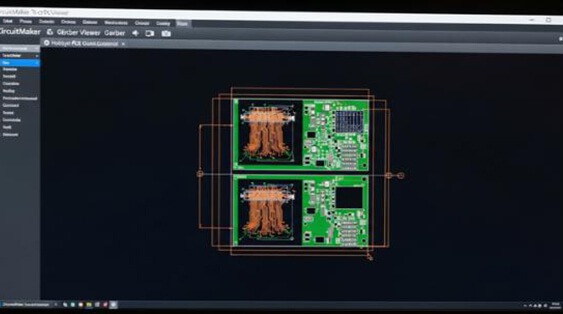
CircuitMaker is a free PCB design tool with an integrated Gerber viewer, popular among hobbyists and open-source hardware developers. It supports collaboration within the CircuitMaker community and allows open project sharing, making it ideal for learning and community-driven projects.
Vorteile
- Free tool with community-driven, open project sharing
- Strong collaborative features for team and community projects
- Ideal for hobbyists and open-source hardware developers
Nachteile
- Lacks advanced professional-grade features such as DFM, 3D, or manufacturing verification
Recommended Use Cases:
Perfect for hobbyists and open-source hardware developers who value collaboration and community engagement.